Tap into your website's invisible pipeline™
Only 2% of your website visitors will convert — LIVE Leads™ reveals the other 98% of companies visiting your website.
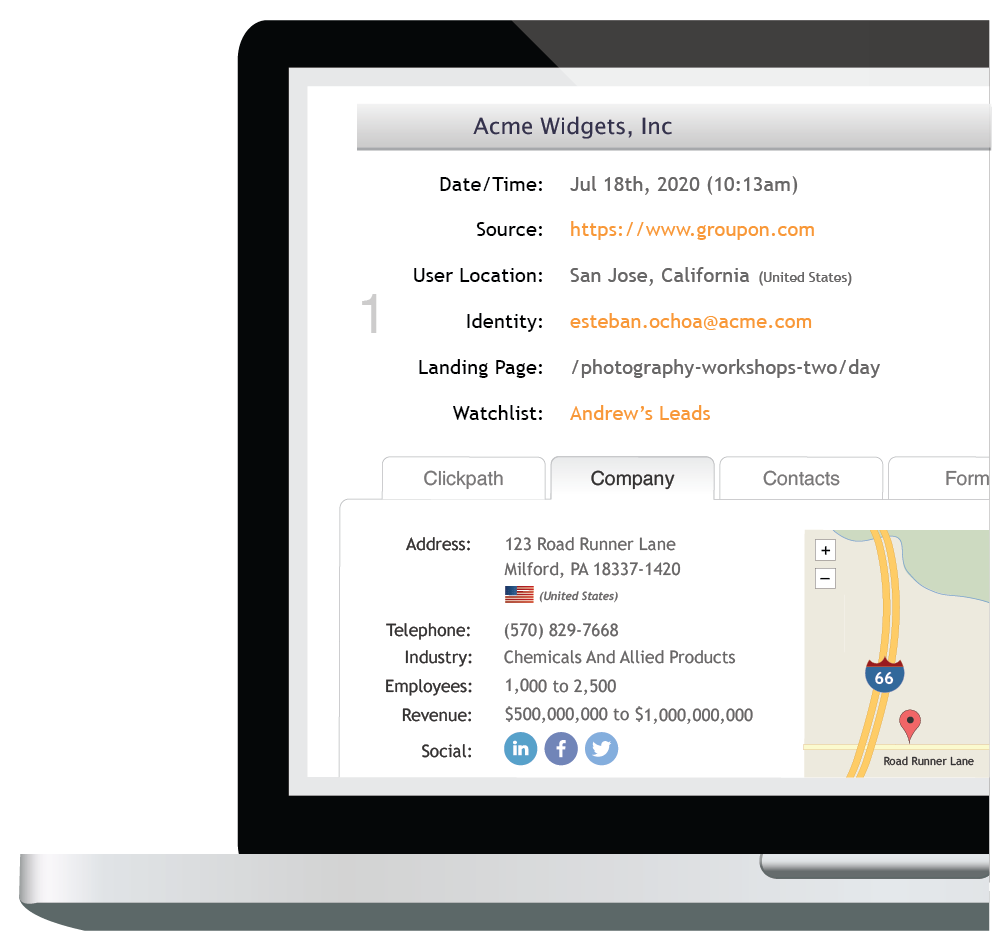
Identify the companies visiting your website
Uncover the companies showing buying intent along with company firmographic data, such as:
- Company Name & Website
- Industry, Revenue Range, Employee Count
- And more
How we help marketers...
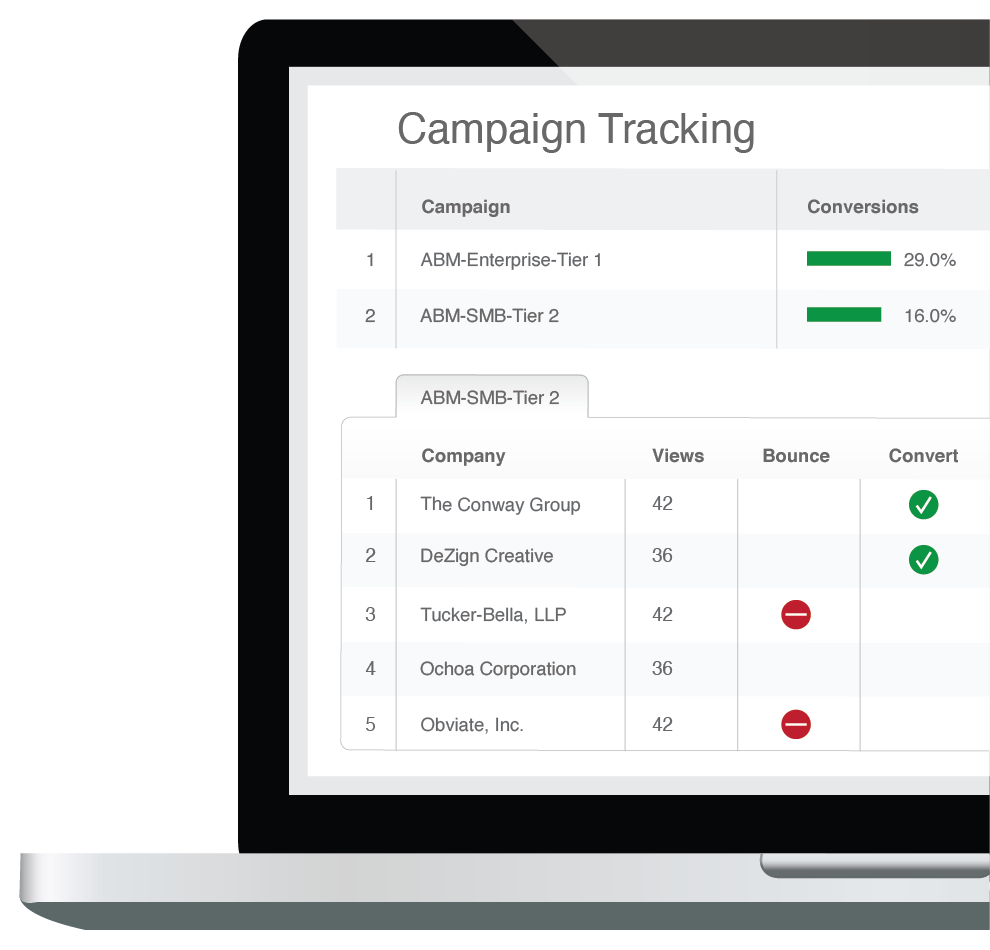
- Track and analyze the performance of your online marketing campaigns — display advertising, email marketing, and more.
- Discover what content engages website visitors and track engagement across pageviews, content downloads, and more.
- Connect website performance, visitor engagement, and customer behavior with real-time tracking and reporting
- Increase the quantity and quality of leads that marketing delivers to sales
How we help sales...
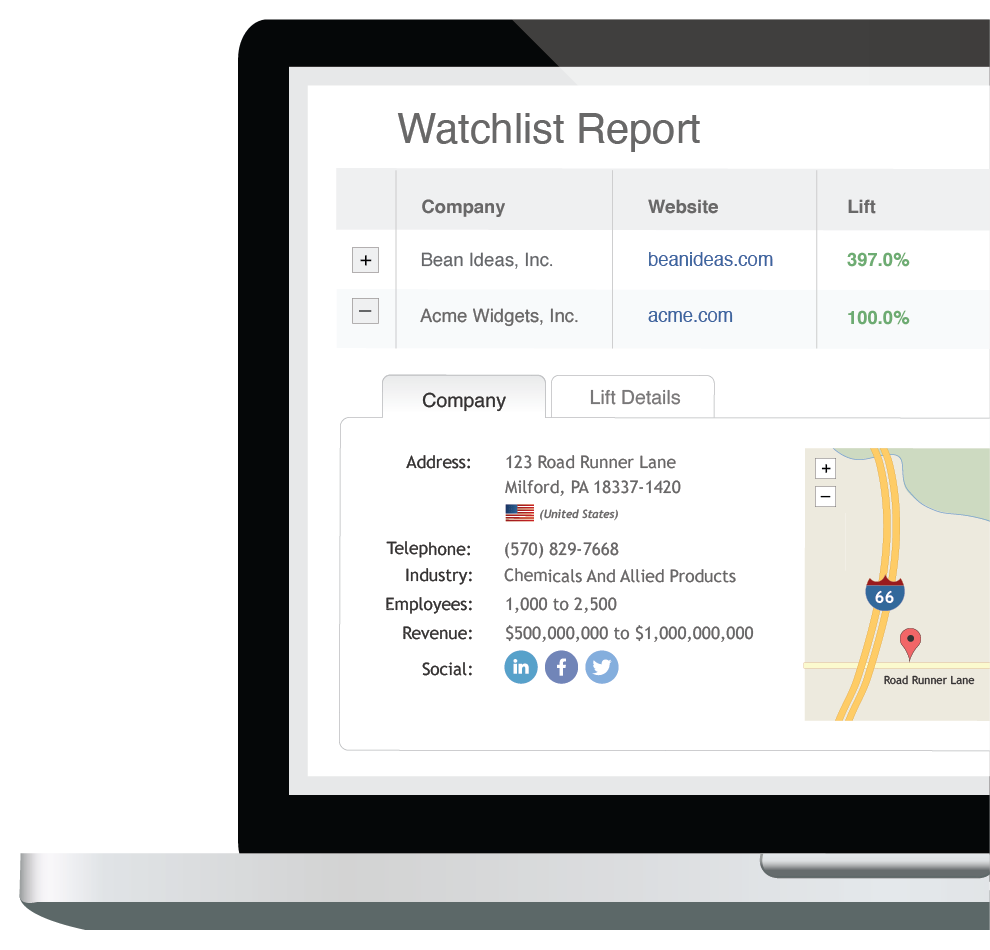
- Qualify visitors based on interest and engagement with lead scoring
- Connect with in-market buyers early in their buying cycle before they consider your competition
- Increase the amount of highly qualified leads in your pipeline and the velocity of your sales cycle

Real-Time Alerts